
Journeys 1st Grade Sight Words PowerPoint Test and Digital Learning Centers
$4.75
Aligned with HMH Journeys 2011, 2014, and 2017 copyrights.
Description
Aligned with HMH Journeys 2011, 2014, and 2017 copyrights.
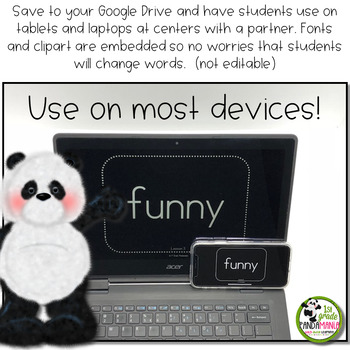
My first grade students actually enjoy being tested on their Journeys sight words when they control the Powerpoint by pressing the forward button on the computer and read the words at their own pace. Check off the words they know on the included student sight word testing sheet. Also, use as a digital center with your Google Drive using Google Slides. Use on a tablet in small group or in reading centers with partners for daily sight word practice. A suggested uses page is included with ideas.
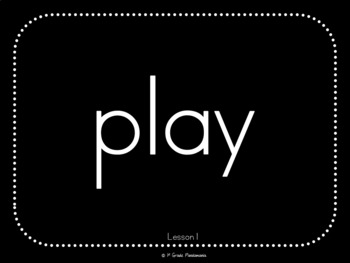
Use this Powerpoint to test your first graders on their sight words for the year (Houghton Mifflin 1st grade program copyright 2011, 2014 and 2017). For years I have been providing students with a list of sight words from which to read on test day. Many were intimidated by the long list of words and anxiety quickly set in. This Powerpoint displays one word at a time on a large black screen with words in large white print.
The list of sight words is divided into quarters for quarterly report card testing, but you can move those divider slides to fit your needs.
Included:
? PowerPoint suggested uses
? 2011 HMH aligned PowerPoint (not editable)
? 2014, 2017 HMH aligned PowerPoint (not editable)
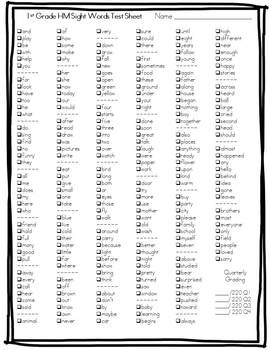
? Testing sheet with all sight words for teacher to check off as words are learned
? Terms of Use and Credits
Looking for a Kindergarten Sight Word PowerPoint?
Journeys Kindergarten Sight Word PowerPoint Test and Digital Center
Please note: These materials were prepared by 1st Grade Pandamania and have neither been developed, reviewed, nor endorsed by Houghton Mifflin Harcourt Publishing Company, publisher of the original HMH JOURNEYS work on which this material is based. Permission has been granted from HMH Journeys for 1st Grade Pandamania to use their curriculum to create this resource.
Connect with me!
1st Grade Pandamania Facebook Page
1st Grade Pandamania Blog
*****************************************************************************
Customer Tips:
How to get TPT credit to use on future purchases:
Please go to your My Purchases page (you may need to login). Beside each purchase you’ll see a Provide Feedback button. Simply click it and you will be taken to a page where you can give a quick rating and leave a short comment for the product. Each time you give feedback, TPT gives you feedback credits that you use to lower the cost of your future purchases. I value your feedback greatly as it helps me determine which products are most valuable for your classroom so I can create more for you. ?
Be the first to know about my new discounts, freebies and product launches:
Look for the green star next to my store logo and click it to become a follower. Voila! You will now receive email updates about this store. ?
*****************************************************************************
Related products
-
Sale!

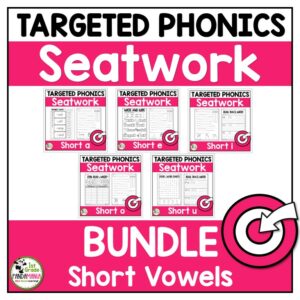
Short Vowel Worksheets Phonics Activities BUNDLE
Original price was: $24.00.$19.95Current price is: $19.95. -
-
Sale!
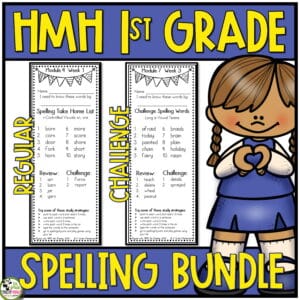
HMH Into Reading Challenge and Regular Spelling Lists BUNDLE 1st Gr. 2020
Original price was: $7.00.$5.60Current price is: $5.60. -
Reviews
There are no reviews yet.